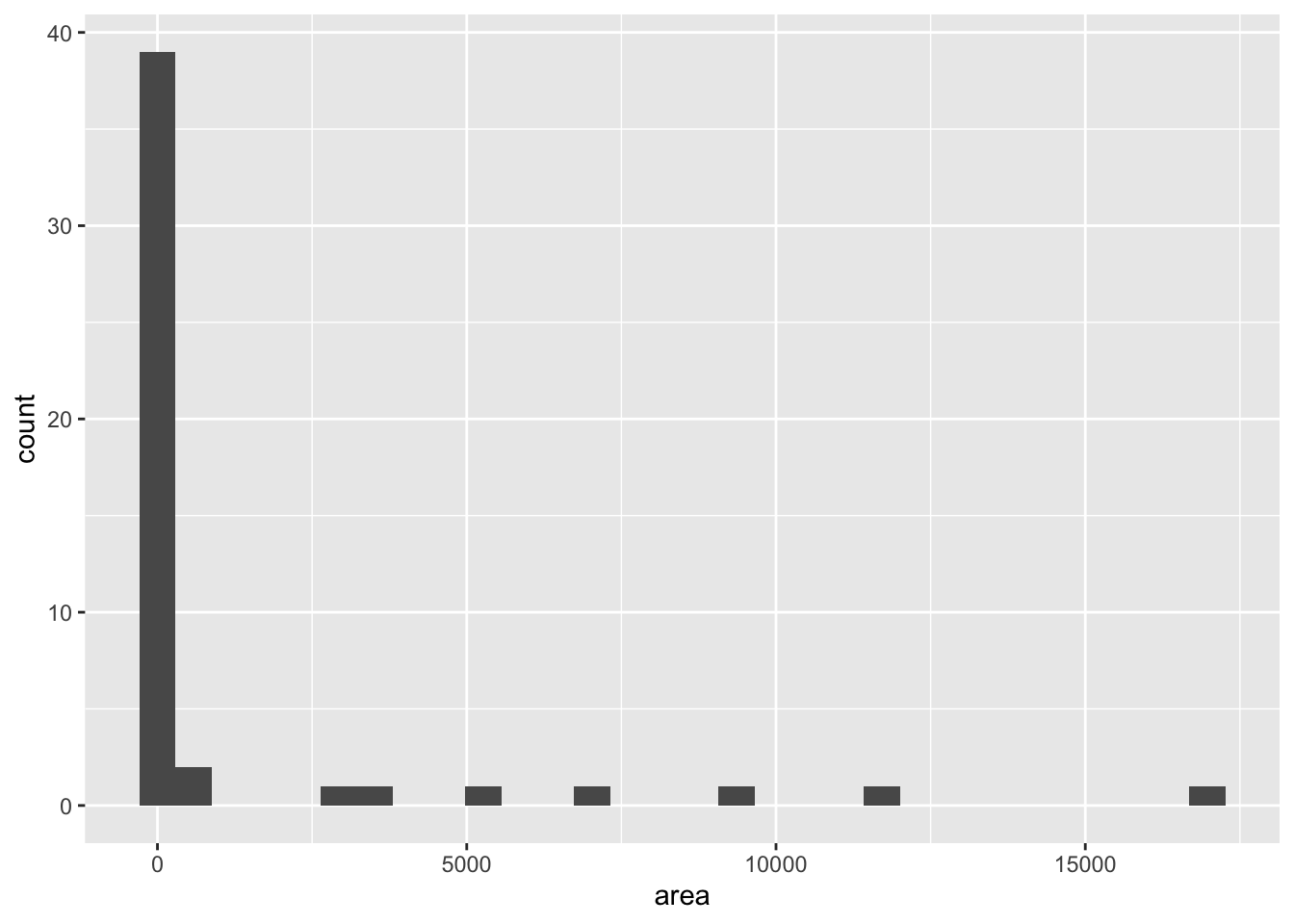
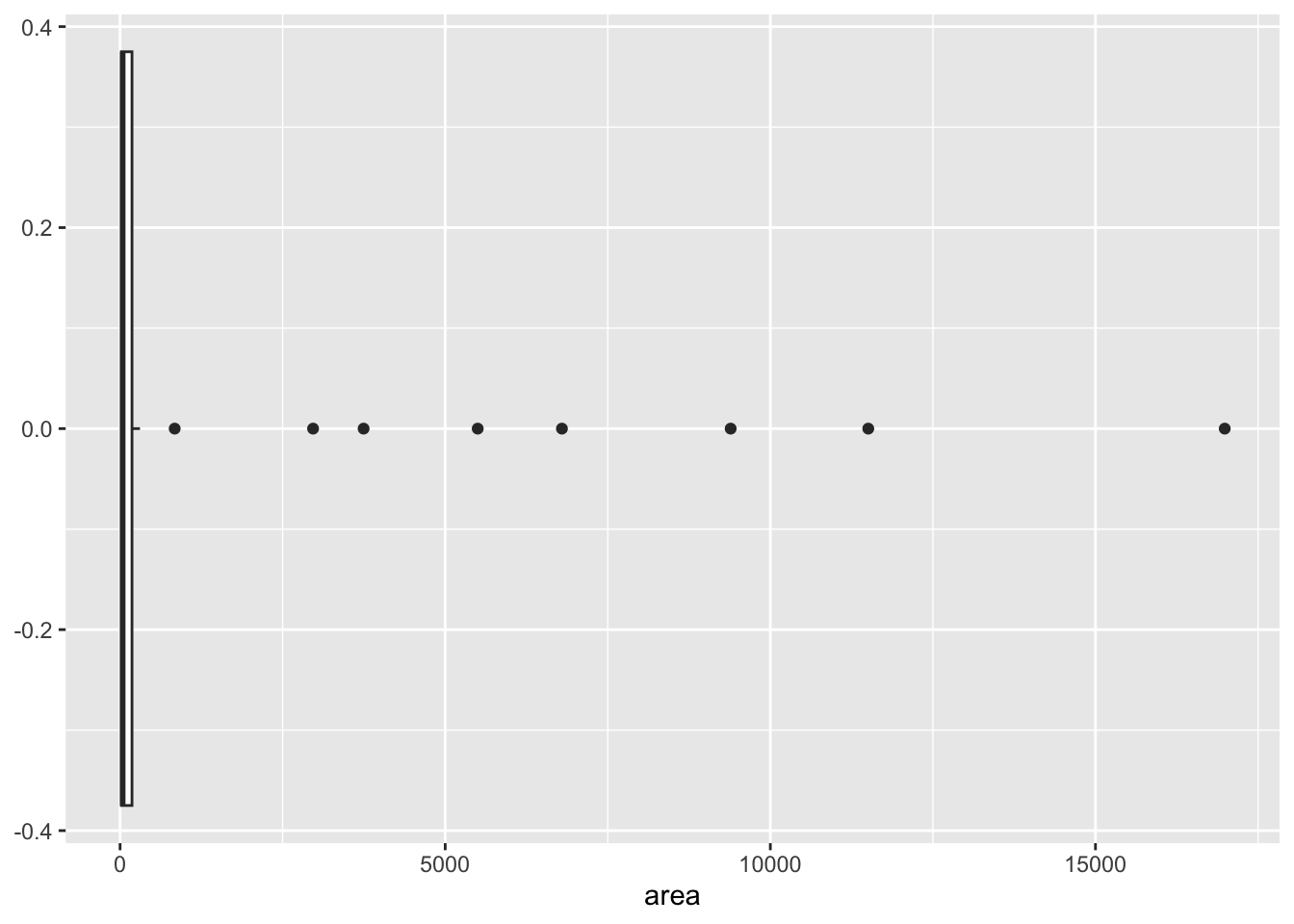
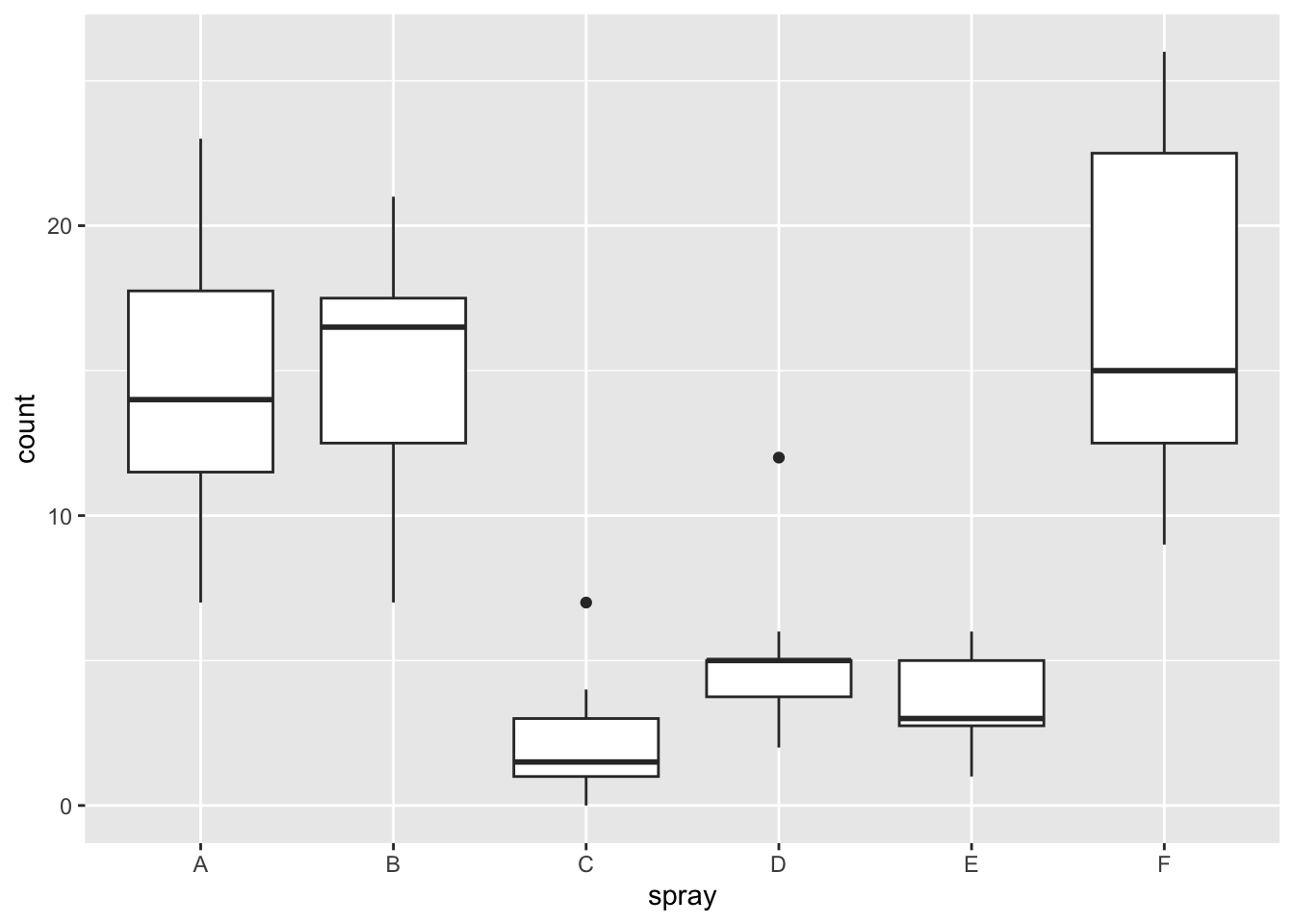
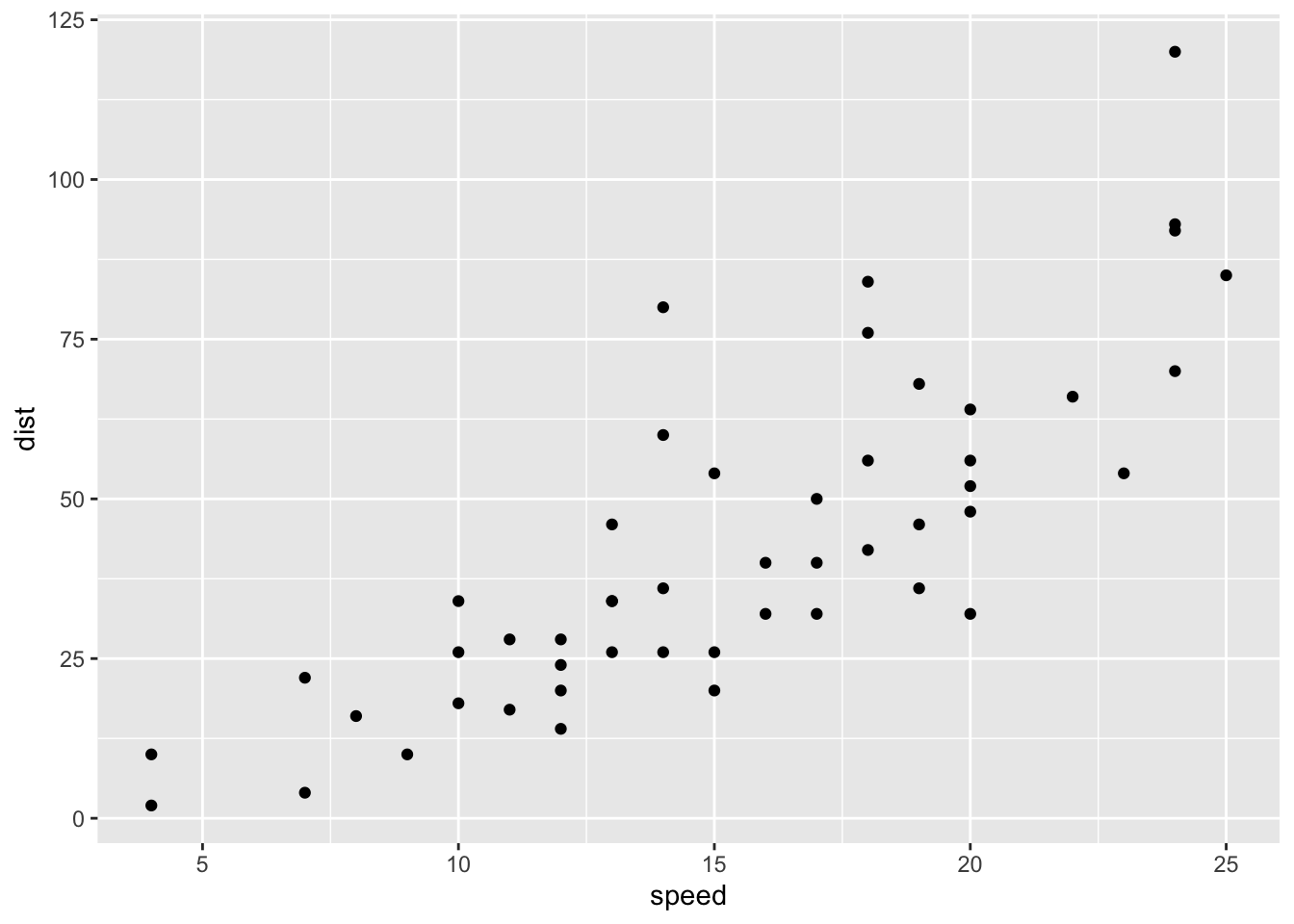
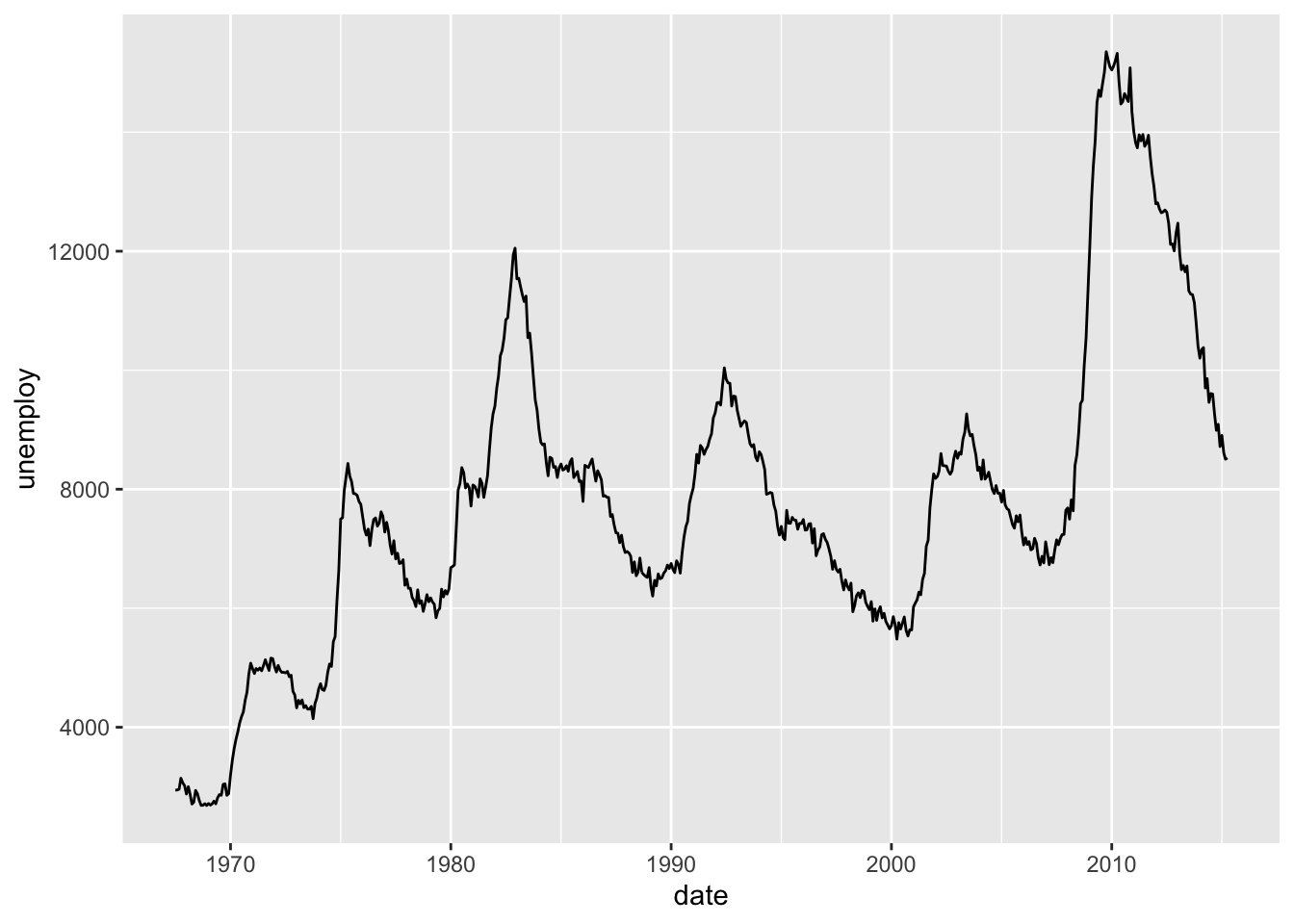
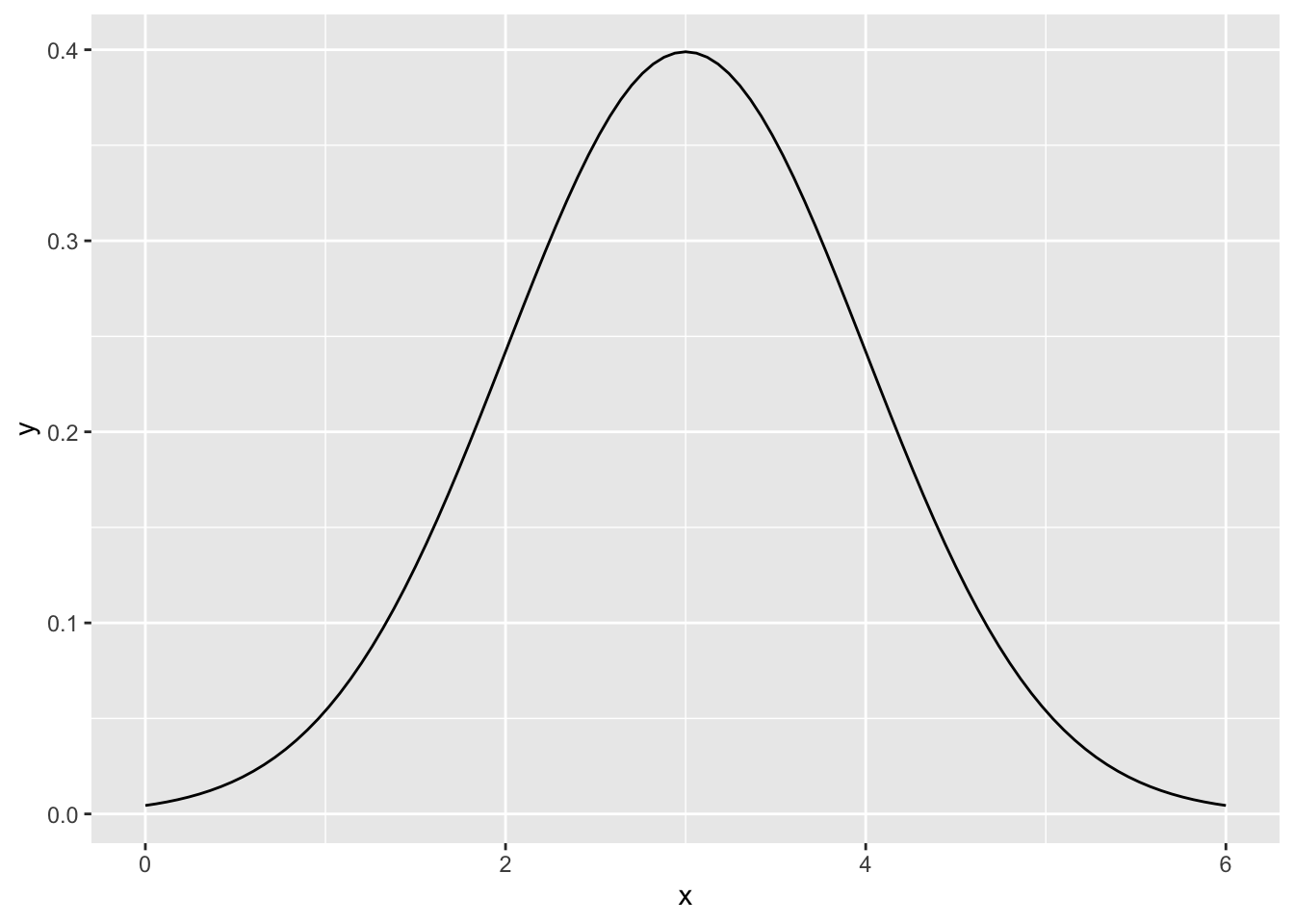
This chapter will provide a number of examples of ggplot2 graphics. ggplot2 graphics are built on the Grammar of Graphics and provide a consistent interface across different types of plots.
library("tidyverse")
── Attaching core tidyverse packages ──────────────────────── tidyverse 2.0.0 ──
✔ dplyr     1.1.4.9000     ✔ readr     2.1.5
✔ forcats   1.0.0          ✔ stringr   1.5.1
✔ ggplot2   3.5.2          ✔ tibble    3.3.0
✔ lubridate 1.9.4          ✔ tidyr     1.3.1
✔ purrr     1.0.4
── Conflicts ────────────────────────────────────────── tidyverse_conflicts() ──
✖ dplyr::filter() masks stats::filter()
✖ dplyr::lag()    masks stats::lag()
ℹ Use the conflicted package (<http://conflicted.r-lib.org/>) to force all conflicts to become errors
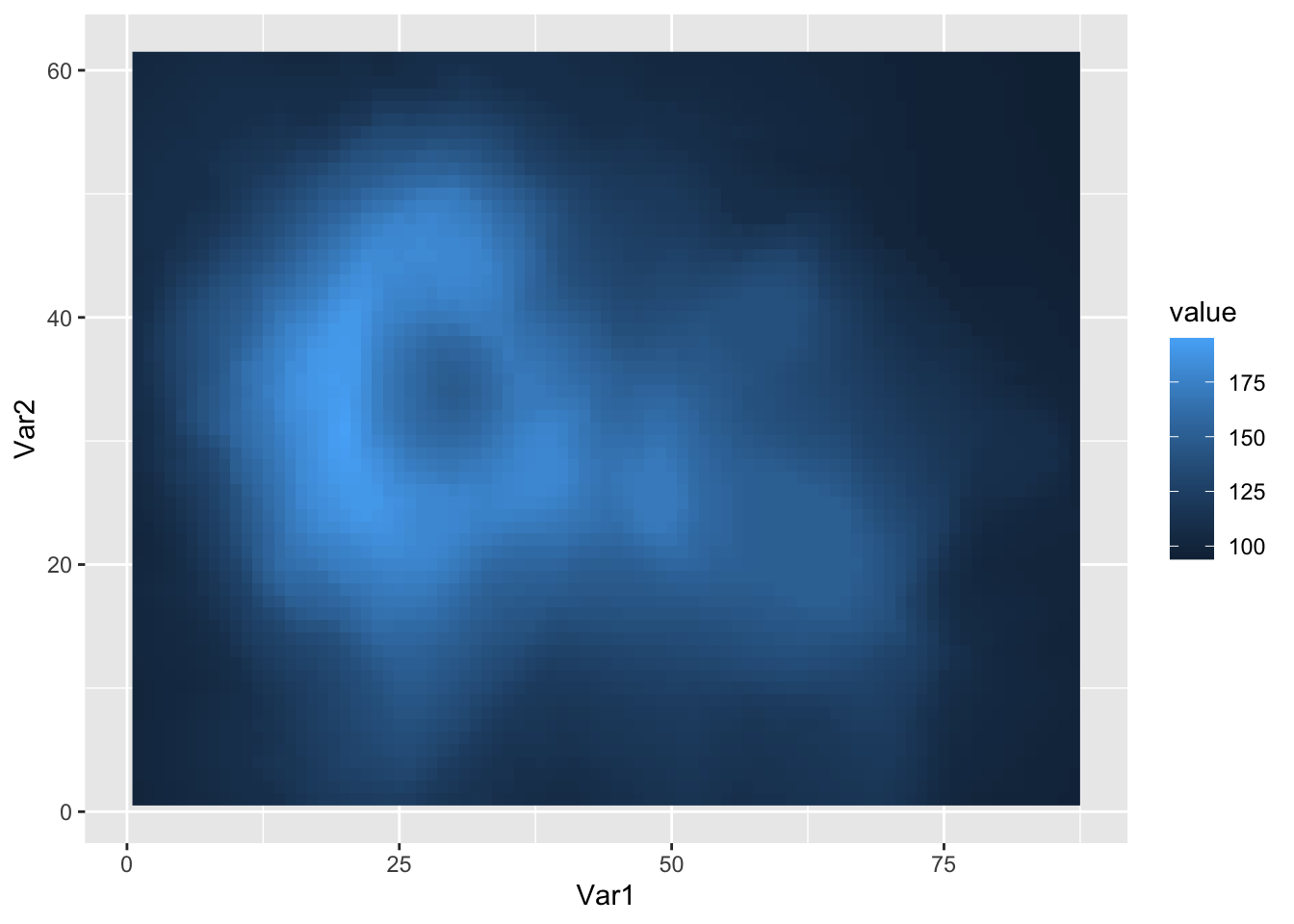
# Heatmap# Tidy the datad <- reshape2::melt(volcano) # similar to tidyr::pivot_longerggplot(data = d, mapping =aes(x = Var1, # Var1, Var2, and valuey = Var2, # are the default namesfill = value)) +# used by `reshape2::melt()`geom_raster()
14.7 Summary
As a general rule, working with ggplot2 graphics will require a bit more data wrangling to get the data into the appropriate tidy (long) format. Once the data is in the correct format, construction of each plot uses a similar syntax:
provide the name of the data frame,
provide the mapping of the visual aesthetics of the plots, and